
How to use PostHog for B2B SaaS tracking
The problem is you are tracking the wrong things, in the wrong place, with no link to revenue.
Tracking
22 December
Author:

If you are a B2B SaaS team, you are already tracking something.
The problem is you are tracking the wrong things, in the wrong place, with no link to revenue.
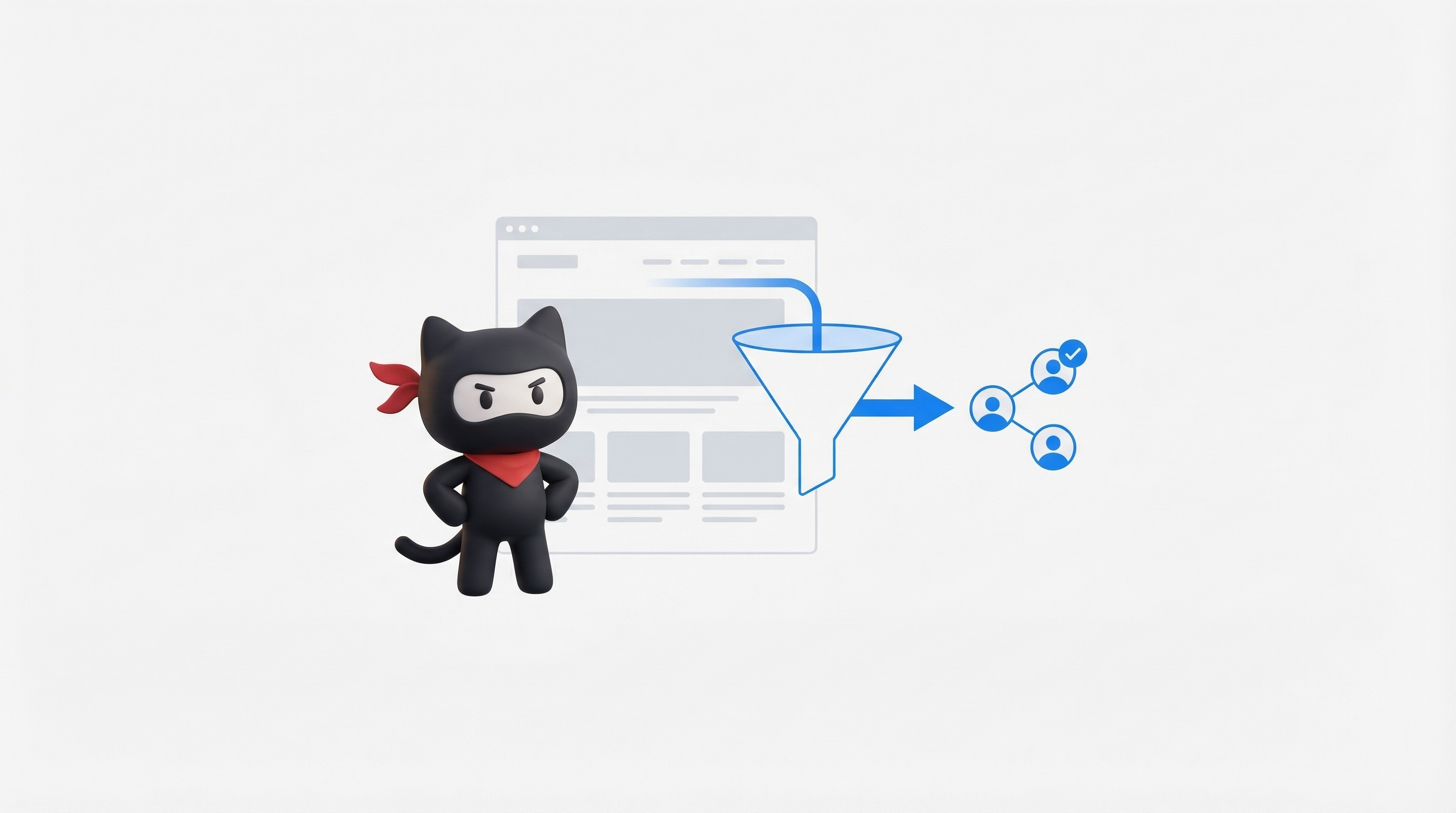
PostHog is useful because it helps you track the full path:
click → landing page → signup → activation → key action → upgrade
And you can do it in one tool: product analytics, funnels, session replay, experiments, feature flags, and more.
This guide is written from an agency POV. It is the exact setup we use to make organic and paid traffic convert, not just “look good” in reports.
What you can track?
Most teams track “page views” and “signups”.
That is not tracking. That is counting.
You need 3 layers:
1) Acquisition tracking (where the user came from)
UTM source, medium, campaign
Landing page path
First page view
PostHog can capture UTMs (and common click IDs) so you can tie acquisition to product actions.
2) Product tracking (what the user did)
Signup
Activation event (your real “aha” moment)
Key actions that predict paid conversion
3) Revenue tracking (what the user paid)
Trial started
Plan selected
Payment success
Expansion, churn
If you do not connect layer 1 -> 2 -> 3, you will keep “optimizing” the wrong pages.
Step 1: install PostHog the right way (so your data is clean)
Pick your identity plan first (before you track events)
This is where teams mess up.
Rule:
Anonymous user: before signup
Identified user: after signup
Team or account: company level
PostHog supports identifying users and capturing events, including via autocapture for web actions.
Your “must have” properties
distinct_id(user id)email(if allowed)company_id(account id)plan(free, trial, paid)persona(optional: founder, marketer, dev)
Keep it simple. You can always add more later.
Step 2: build an event dictionary (this is your tracking contract)
You do not need 200 events.
You need 15 to 30 events that map to growth.
A clean B2B SaaS event naming system
Use: object action
Examples:
signup completedtrial startedworkspace createdintegration connectedinvite sentreport generateddemo bookedupgrade clickedpayment success
Event properties that matter (for CRO and RevOps)
Attach these properties to key events:
utm_source,utm_medium,utm_campaignlanding_pagecta_variant(hero CTA, pricing CTA)pricing_plan_viewedindustryteam_sizecountrysales_assisted(yes/no)
This is how you stop guessing.
Step 3: define your “activation” like an adult
Activation is not “signup”.
Activation is the first moment the user gets value.
For Supergrow, it could be:
connected LinkedIn
scheduled first post
generated first draft
For WotNot, it could be:
created first bot flow
added a channel
got first conversation
Once you have activation, you can finally answer:
Which channel sends users that activate faster?
Which page message leads to higher trial-to-paid?
If you want the CRO side of this, link this to your landing page testing system. Internally, you can reference our guide: “What CRO frameworks work best for AI B2B startups” (publish it as a pillar and link from this post).
Step 4: build the 5 dashboards that matter
PostHog has multiple insight types like funnels, retention, paths, and trends.
Do not build 40 dashboards.
Build these 5.
Dashboard 1: Acquisition quality
Track per channel:
visits -> signup
signup -> activation
activation -> paid
If you only track visit -> signup, you will scale garbage traffic.
Dashboard 2: Activation funnel
A simple funnel:
signup completedworkspace createdaha event(your activation)invite sent(B2B buying signal)
Dashboard 3: Time to value
Track: time from signup to activation.
This is where most “SEO traffic” dies.
Dashboard 4: Drop off reasons (with replay proof)
For each funnel step, open replays and tag patterns:
confusion
rage clicks
form issues
slow load
pricing doubt
PostHog session replay exists for debugging real user behavior.
Dashboard 5: Revenue signals
Even if your payments are in Stripe, you can still track:
upgrade clickedcheckout startedpayment success
Then tie it back to UTMs.
Step 5: use Funnels + Replays together (this is the CRO cheat code)
Funnels tell you where users drop.
Replays show you why.
Workflow:
Open funnel
Pick the worst step (biggest drop)
Filter by channel or landing page
Watch 20 replays
Write down the top 3 reasons
Ship fixes
Measure again
This is how agencies move fast without “opinions”.
Step 6: set up feature flags for safe experiments
You cannot test landing pages only.
You must test the product path too (activation screens, onboarding, pricing flow).
PostHog feature flags let you roll out changes and target users.
Simple use cases:
New onboarding flow for SEO traffic only
New pricing layout for high intent users
New CTA copy for “founder” persona
This is also how you do experiments without breaking prod.
Step 7: add surveys at the exact drop point
Most teams run surveys like “How did you hear about us?”
That is useless.
Do surveys at moments of pain:
right before upgrade
right after cancel
after user fails setup 2 times
PostHog supports surveys as a product module.
Ask simple questions:
“What stopped you today?”
“What were you trying to do?”
“What tool are you switching from?”
Now your copy and onboarding writes itself.
Step 8: connect PostHog to your warehouse (or at least use SQL)
If you want real revenue answers, you need join logic:
PostHog events
CRM data
Stripe data
PostHog supports a SQL editor for querying data.
Start small:
import Stripe payments as events
map user id -> account id
build “revenue by channel” views
This is where RevOps becomes real.
A simple comparison table (PostHog vs GA4 vs Clarity)
Tool | Best for | Weak at | When to use |
|---|---|---|---|
PostHog | Product events, funnels, retention, replays, flags | Needs good event plan | B2B SaaS that cares about activation and paid |
GA4 | Top of funnel traffic reporting | Product flows, clarity | When you need Google ecosystem reporting |
Microsoft Clarity | Session replay + heatmaps | Product analytics depth | For quick UX issues on marketing pages |
(Use GA4 if you must. Use PostHog to actually improve conversion.)
PostHog helps B2B SaaS teams see what really drives growth. When you track events from first click to activation and revenue, you stop guessing and start fixing the right problems. Use PostHog to connect traffic, product actions, and payments in one system. That is how teams improve conversion, time to value, and revenue without adding more tools or ad spend.

UnOptimised
4.8/5.0 RATING
The CRO agency for B2B SaaS teams stuck at low conversion rates | Revenue growth from $100K → $4M+ ARR for SaaS teams.