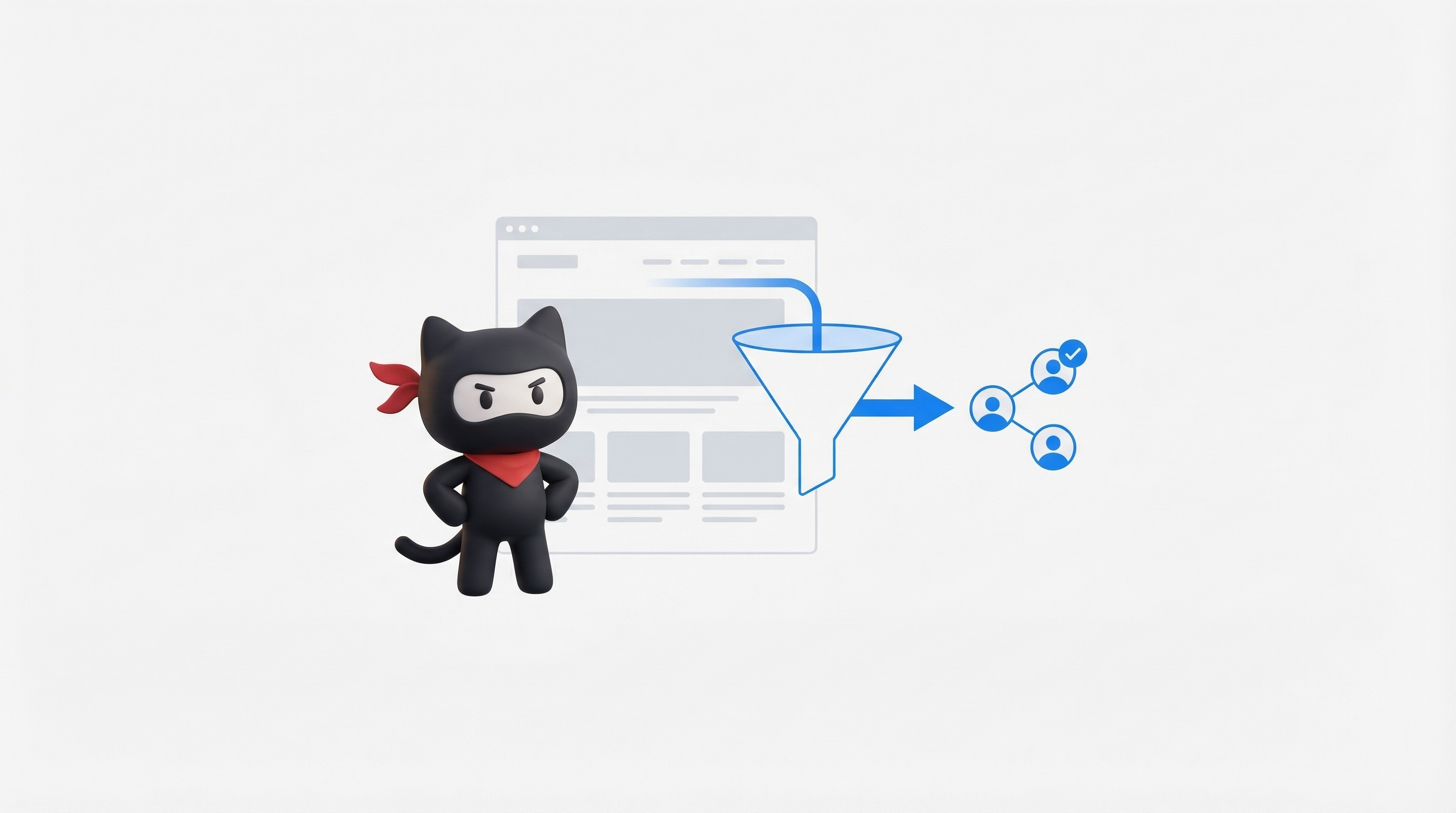

How to track paid and organic together
Most “tracking” breaks because paid and organic get measured in two different places.
Tracking
24 December
Author:

Most “tracking” breaks because paid and organic get measured in two different places.
Paid lives in ad dashboards. Organic lives in SEO tools. Revenue lives in CRM. So every team ends up arguing with screenshots.
The fix is not a new tool.
The fix is one clean system that carries the same “source” data from click to close.
Step 0: Decide what “together” means for you
There are 3 levels. Pick one as your “source of truth” and use the others as support.
Traffic view: sessions and signups by channel (fast, good for weekly checks)
Journey view: first touch + last touch + assists (better for planning spend and content)
Revenue view: pipeline and revenue by channel (best, but hardest)
If you are B2B SaaS, the goal is level 3.
But you still need level 1 to debug fast.
Step 1: Set one funnel that both paid and organic flow into
Keep it boring. Same events. Same names. Same meaning.
Example funnel:
Visit
Key page view (pricing, integration, use case)
Lead (demo, contact, signup)
Activated (hit first value)
Qualified (SQL)
Won (revenue)
If “lead” means 3 different things across teams, your tracking will always lie.
Step 2: Make UTMs a rule, not a suggestion
For paid, UTMs are the glue. Without them, your “together” plan dies.
Google’s own guidance is blunt:
UTM values are case sensitive (google vs Google becomes two rows)
If you tag links but leave key fields missing, you will get (not set) in reports
Simple standard (use lowercase):
utm_source(google, linkedin, newsletter)utm_medium(paid_search, paid_social, email)utm_campaign(q1_demo_push, competitor_pages)utm_content(ad_1, ad_2)utm_term(keyword, if relevant)
Make one shared sheet for naming. One owner approves new names.
Step 3: Persist the source data across the whole journey
This is the part teams skip.
A user clicks a paid ad today. Comes back from organic next week. Books a demo from a direct visit. If you only track “last click”, you will give 100% credit to the final step and ignore the work that created demand.
That “last click gets all credit” problem is common, and it hides the real value of organic.
What you need to store for every lead:
first touch source, medium, campaign
last touch source, medium, campaign
landing page and referrer on first touch
timestamps for first and last touch
user id or lead id so you can tie it to revenue
Eli Schwartz calls out the goal clearly: measure with multi-touch when possible, even if it is hard.
Step 4: Tie website tracking to CRM, or don’t call it “revenue tracking”
If your CRM has no UTM fields, you are stuck at traffic level.
Minimum CRM fields:
First touch: source, medium, campaign
Last touch: source, medium, campaign
Original landing page
Latest landing page
Lead created date
Opportunity created date
Closed won date
Revenue
How to fill these fields (simple version):
On the website, capture UTMs on first visit.
Store them (cookie or local storage).
Push them into every form submit as hidden fields.
Also attach them to signup events so product-led flows keep source data too.
Step 5: Fix the two silent killers
1) Cross-domain leaks
If your blog, app, or booking flow is on a different domain, sessions split. Then channels look wrong.
GA4 has a specific setup for cross-domain measurement. Use it if your user path crosses domains.
2) “Direct” stealing credit
Direct is often just “we lost the source”.
Common reasons:
missing UTMs
broken redirects that drop UTMs
link shorteners that strip params
cross-domain not set
privacy settings
Google documents how incomplete or incorrect tagging can lead to “(not set)”.
Step 6: Pick one attribution view and stick to it
Your goal is not “perfect attribution”.
Your goal is “same rules every week”.
Practical setup for B2B SaaS:
Planning view: First touch (what creates demand)
Budget view: Last non-direct (what closes demand)
Reality check: Assisted conversions (what supports demand)
Multi-touch is the ideal, but it needs clean identity and clean data flow.
Step 7: Build one weekly dashboard (the only one that matters)
One page. No fluff. Same every Monday.
Traffic to lead
Sessions by channel
Lead rate by channel
Cost per lead (paid only)
Lead to revenue
Leads to SQL by channel
SQL to win by channel
Revenue by first touch channel
Revenue by last touch channel
This gives you “together” without forcing a fake single number.
Common mistakes (quick list)
UTMs change format every week (Google vs google)
Tracking “signups” but sales cares about “SQLs”
Not saving first touch, so organic looks weak
Only trusting ad dashboards
No cross-domain setup, so journeys split
Accepting (not set) as “normal”
Anti-hallucination reflection (what to verify in your stack)
Before you copy any setup from a blog, confirm these in your real data:
Do UTMs survive redirects and link shorteners?
Do your forms capture UTMs every time?
Does your CRM store both first and last touch?
Are your key steps on multiple domains? If yes, is cross-domain on?
Are you seeing “(not set)” spikes? If yes, why?
If you can’t answer these, your reports will keep fighting each other.
To track paid and organic together, you need one funnel, strict UTMs, and a way to carry source data from the first click into your CRM revenue. Fix cross-domain leaks, stop “Direct” from stealing credit, and report first touch plus last touch every week. If you want this to run without drama, get an expert team to set it up once, QA it, and keep it clean as you scale.

UnOptimised
4.8/5.0 RATING
The CRO agency for B2B SaaS teams stuck at low conversion rates | Revenue growth from $100K → $4M+ ARR for SaaS teams.